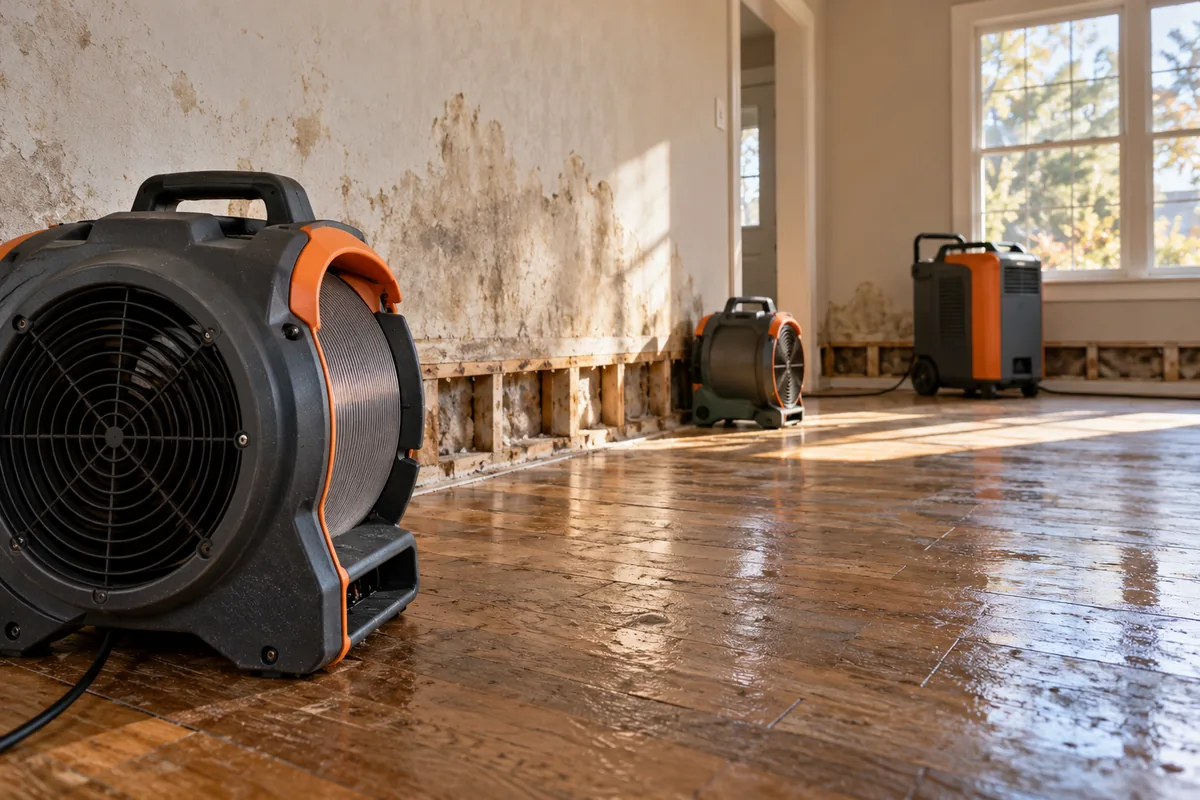
Got phone clips from a finished job and no idea what to do with them? Cut one short video that answers one question your buyers ask, then put it on a page that covers the scope, the facts and how to reach you. The page carries what a short clip can't.
You'll need footage you have permission to use, an honest account of the job and someone who can explain the choices made. Trojan Digital Marketing edits every video on the Jerry Super YouTube channel, and we scope our video editing service and website design work around your material. Send us what you have: the first strategy call is free, and during business hours we aim to reply within five minutes.
Choose one buyer question the footage can answer
- Fit
- Explain the service scope.
- Trust
- Show supporting evidence.
- Next step
- Give a clear contact route.
Look for a question customers already ask. What happens during an assessment? Why did the team recommend one option? How is an installation area prepared? What information does a customer need before requesting a proposal? A clear question gives the edit a job and helps the webpage maintain focus.
Review the available material against that question. Footage of a finished room might support a discussion of design choices, but it cannot prove an unseen construction process. If the necessary scene is missing, use an honest explanation or plan additional filming. Do not imply that unrelated footage documents the customer's project.
Take a presentation lesson from Jerry Super
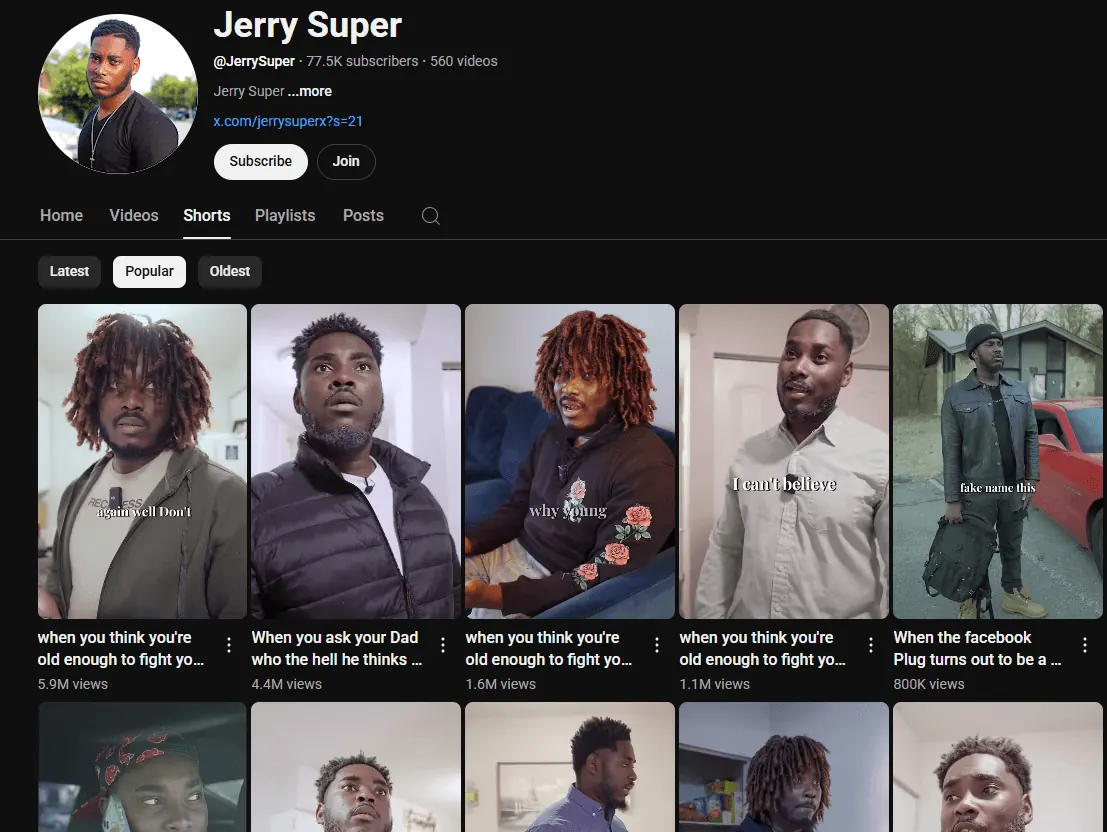
In our Jerry Super case study, the work covers Shorts editing, pacing, captions and presentation built around Jerry's own voice. Per vidIQ, the channel grew from 8,380 subscribers on 1 January 2023 to 119,000 on 25 September 2026 while we edited every video. The archived channel screenshot offers visible examples of portrait framing, character expression, different costumes and short text inside the scene.
Those observations describe the presentation. They do not establish which editorial choice caused a viewing result. The transferable lesson is that the subject needs room to communicate. For a service business, that might be a technician explaining an assessment or a designer pointing to a specific feature. Graphics and cropping should support that explanation.
The service project structure that follows is an editorial planning example. It is not a claim that Jerry's comedy work involved a contractor campaign or a service business webpage.
Build the edit around a truthful sequence
Use a simple order: the customer question, the relevant situation, the decision or process and the next useful answer. Preserve enough context for a new viewer to understand why a detail matters. When we cut, we'll keep a couple of extra seconds if that's what lets a new viewer follow the point.
For an illustrative assessment video, the sequence might show what information the customer supplies, what the team checks and how options are explained. The business must confirm that those steps reflect its actual service. Avoid presenting a staged sequence as a documented customer experience.
Choose supporting shots that show the point being discussed. A close view of the relevant material may help more than a sweeping exterior shot. Record a clean spoken explanation where possible, and use the editing handoff guide to specify the versions and source material.
Give the webpage the questions the clip leaves open
The page should explain the scope, relevant conditions, project facts and action in a readable form. A customer may prefer reading, may be unable to play audio or may need to compare details after watching. Keep essential service information available outside the video.
| Material | Useful role | Evidence boundary |
|---|---|---|
| Short video | Explain one process or decision visually | Show what the available footage actually documents. |
| Project narrative | Explain context, scope and reasoning | Distinguish confirmed facts from interpretation. |
| Service questions | Help another buyer assess relevance | State conditions that may differ on a new project. |
| Contact action | Start the appropriate conversation | Describe a request accurately without implying a booking. |
Link the project to the service it demonstrates, then link that service back to relevant evidence. The relationship should help readers explore a real decision. Adding a list of unrelated locations and keywords would make the story less useful.
Decide whether the video needs a watch page
Google's video SEO guidance distinguishes a page primarily created for watching one video from a page where video supplements other content. Dedicated watch pages are relevant to eligibility for Google's video features; an embedded clip alone does not make a service article a watch page.
Choose the page type from the actual purpose. A detailed demonstration may deserve a viewing page. A short supporting clip may belong within the existing service or case study page. Give the video accurate metadata and a stable thumbnail, and avoid making discovery depend on a visitor clicking to insert the player. Eligibility still does not assure video indexing or a particular search feature.
This decision belongs in the SEO, AEO and GEO plan so the content, player and supporting answers describe the same subject. Structured information should reflect the video that exists.
Keep the experience light and accessible
Prepare a compressed poster image and define the intended loading behavior with the website team. The web.dev video loading reference explains choices that can avoid fetching unnecessary media. A supporting player and a prominent viewing page may need different handling. Check the page's actual behavior instead of adding several heavy players by default.
Review captions against the approved script and footage. YouTube's caption guidance covers separate text and timing information. For a service explanation, verify names, measurements and technical terms especially carefully. Important meaning should not depend on a viewer hearing every word.
Adapt the material for a deliberate distribution plan
- Event → record
- Define the event and check the record.
- Meaning → decision
- Review the business meaning before acting.
A second edit should have a reason. One version might answer a common service question; another might introduce the project for people who have never heard of the brand. Adapt the framing and opening to that situation while preserving the underlying facts.
For paid campaigns, connect the creative to a page that fulfills its message. For an ongoing social content program, keep a record of the question and destination so the posts form a useful body of work. A new caption on the same clip does not automatically create a distinct customer answer.
Approve the package against the evidence
- Confirm the customer permissions and the facts shown.
- Check that the sequence explains a real process or clearly labeled example.
- Review captions, framing and speech at the intended viewing size.
- Make the page useful to someone who does not play the video.
- Match the title, poster, metadata and next action to the actual material.
- Record publication responsibility and the business outcome worth observing.
Discuss a project video and webpage with Trojan. Tell us which project material you have, what can be published and which buyer question you want to answer. That creates a concrete starting point for an edit and page with a shared purpose.
Questions before commissioning the edit
Can one project support more than one video?
Yes, when the material answers different useful questions. Define the purpose of each edit and keep the facts consistent across the versions.
Does embedding a video make a page rank higher?
An embed alone does not establish a ranking result. The page needs useful content and sound technical foundations, while video search features have their own eligibility requirements.
Can we use a project without customer performance data?
Yes. Explain the documented design, scope, process or decisions. Avoid claiming business outcomes that the available evidence does not establish.
Should every clip get a separate webpage?
No. A separate page should have a useful viewing or information purpose. A supporting clip can often improve an existing service page or case study.