
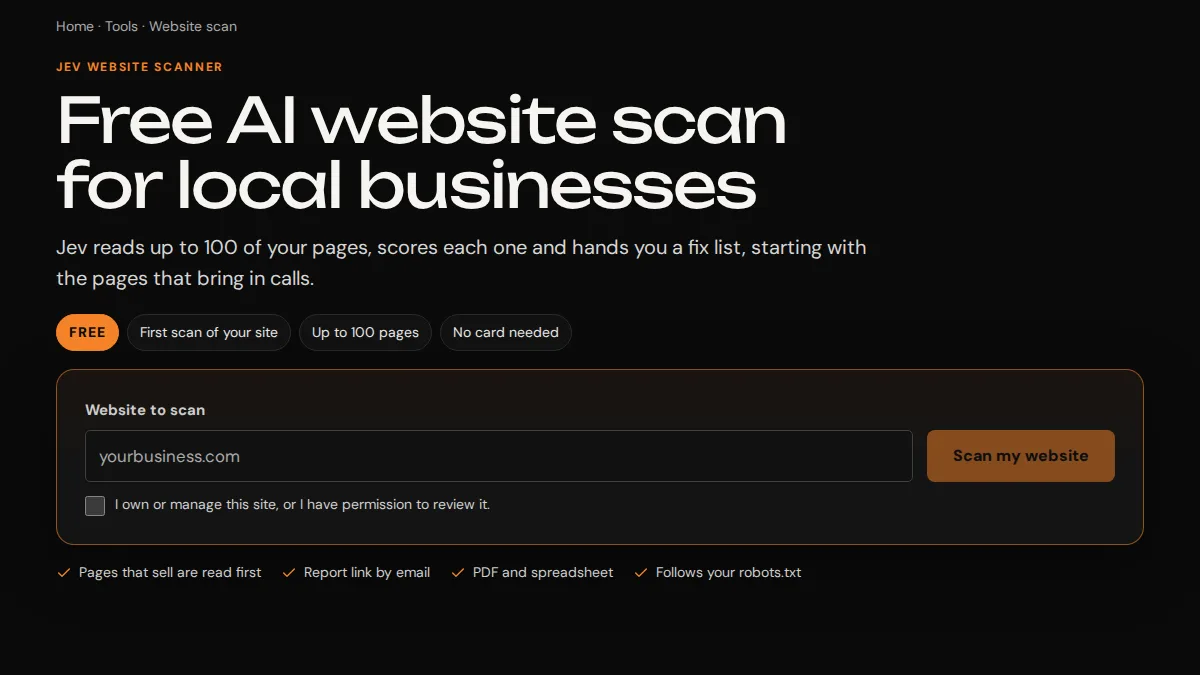
We built the Jev Website Scanner as our own product. It's a web app that reads a whole website, saves its progress in a Cloudflare D1 database, sells a $99 audit through Stripe Checkout and emails the report link through Resend. This is the build log: how one scan moves through the app, the decision behind each step and the numbers in the code. You can check any of it by running a free scan at trojandigitalmarketing.com/website-scan.
The scanner is built and run by Trojan Digital Marketing. It isn't affiliated with or endorsed by TypeSafe, which makes Jev, the AI model the scanner asks about each page. No client paid for it, and it's the app we point to when someone asks what we can build.
What did the scanner have to do?
An owner types in a website and gets back a page by page answer to why Google and AI tools do or don't pick those pages, with a fix list in plain language. That sounds like one request, but a real site can have thousands of pages, and reading them takes far longer than a single web request is allowed to run. So the requirements came out like this:
- Read up to 3,000 pages of someone else's site politely, following its robots.txt.
- Survive a closed tab or a phone going to sleep halfway through.
- Sell a paid audit to someone with no account and no password.
- Keep spending on outside services capped, since every page costs a call to Jev.
- Hand over a report an owner can act on and a spreadsheet a developer can sort.
How does one scan move through the app?
The drawing at the top of this page follows these nine steps, in the order the code runs them.
- Discovery. The scanner checks robots.txt, reads the home page, then works through up to 30 sitemaps to find the pages that sell, like services, towns, about and contact, ahead of articles. If it meets a bot check, it stops.
- Saved progress. The page list goes into Cloudflare D1 as soon as it's found, and every page read is saved as it finishes. A closed tab picks up where it stopped when the report link is opened again.
- One free scan per domain. A unique database index enforces it, so two tabs racing each other can't both claim it.
- Payment. Stripe Checkout sells the $99 audit, which covers up to 3,000 pages, 3 competitors you name, a speed test and one rescan, plus $19 rescans after that.
- Reading pages. Each step reads 5 pages with at most 4 calls to TypeSafe's Jev API in flight, which keeps a scan under Jev's per-minute limit.
- Speed test and email. Google PageSpeed Insights runs the speed test, and Resend sends the report link.
- Limits. Daily limits are counted per connection and per email address, and Cloudflare Turnstile screens out bots before a scan starts.
- Cleanup. Scans nobody started are deleted after 7 days, and started scans after 12 months.
- The report. Results export to CSV files and to a PDF that's built in the visitor's browser.
Why does the visitor's browser drive the scan?
Cloudflare Workers are built for short requests, and a 3,000 page scan is a long job. We could have added a queue and a background worker. We chose to let the open scan page ask for the next batch again and again, and to keep every bit of progress in D1 rows that a request claims before it works on them.
Two lanes run at once, and each asks for 5 pages at a time. If a request dies halfway, the pages it claimed count as stale after 6 minutes and the other lane takes them. The trade-off is that a scan only reads pages while its tab is open. The report link is what makes that acceptable: open it again on any device and the scan resumes from the last saved page.
The same idea fits any long job in a small business app, like importing a big spreadsheet or sending a month of invoices. Save the progress where the next request can find it, and a lost connection only costs one retry.
How does the app stop two tabs from claiming one free scan?
- Question
- Identify what the customer needs to know.
- Answer
- Explain it clearly.
- Evidence
- Support the answer with a source.
With the database. The obvious way to write that rule is a check in code: look for an earlier free scan, and start a new one if there isn't one. Two requests arriving together would both pass that check. A unique index on the domain, limited to free scans, makes the second insert fail however the requests are timed:
CREATE UNIQUE INDEX jev_scans_free_domain
  ON jev_scans (domain) WHERE kind = 'free';
When a free scan reaches 12 months and is deleted, its domain is copied into a small table of its own first, so that domain's one free scan stays used. A second unique index, on the Stripe checkout session, does the same job for payments: one payment pays for one scan.
We lean on rules like these whenever two tabs or two retries could collide. A check in code is easy to get wrong under load, and a constraint in the database can't be skipped.
How does the $99 audit get paid for?
Through Stripe Checkout, so card details never touch our server. The scanner talks to Stripe's API with plain requests and no SDK. It sends an idempotency key with each checkout, so a double click can't create two sessions, and it finds the price in our Stripe catalog by its lookup key, so each sale shows under the right product.
The part that matters most is the webhook. When a payment finishes, Stripe calls our endpoint, and that call counts only if it proves it came from Stripe. Our code computes an HMAC-SHA256 signature of the timestamp and the raw body with the webhook secret, compares it with the Stripe-Signature header in constant time, and rejects anything more than five minutes old. That's the check Stripe's webhook documentation describes. The return page doesn't take the browser's word for a payment either. It asks Stripe's API for the checkout session before the paid scan starts.
How does it stay under Jev's rate limit?
Every page costs a call to TypeSafe's Jev API, which answers the questions the scanner asks about that page. Jev has a per-minute limit, and a whole site can mean thousands of calls. So a step reads 5 pages with no more than 4 Jev calls in flight, and with 2 lanes running, a scan stays near the limit without crossing it.
When a call fails, the client tries again, up to 5 attempts in all. It waits a little longer each time, with some randomness so retries don't bunch up, and it honors the wait Jev asks for when Jev sends one. A public scan also gets 3 retries of its own before it pauses and tells the visitor what happened.
What keeps the free scan from being abused?
A free tool that calls a paid API runs up a bill with every scan, so we designed the limits along with the first screen.
- Cloudflare Turnstile checks that a person is starting the scan. Most visitors never see it.
- Each connection gets 20 site lookups, 3 free scans and 20 checkouts a day. Connections are stored as a hash, and IPv6 addresses count by their /64 block, so rotating through addresses on one network doesn't reset the count.
- Each email address gets 3 free scans a day and 10 a month. Addresses count as one inbox, so a +tag or extra dots in a Gmail address don't make a new one.
- A DNS lookup checks that the email's domain can receive mail, which catches typos before a report goes nowhere.
- The whole site allows 300 free scans and 2,000 lookups a day, which caps the worst day's spend.
Public scans also respect the sites they read. They follow robots.txt, stay on the scanned site through redirects and never use a headless browser, so another site's bot check is left alone.
What happens to the data after a scan?
We wrote the retention rules before launch, and a scheduled job runs them every 15 minutes. Started scans are kept 12 months so an owner can come back and compare a rescan, then deleted along with their pages, links and email. Drafts nobody started go after 7 days, or 30 days when they went to checkout, since a bank payment can take days to settle. Daily limit counters are deleted the next day.
Page text goes to TypeSafe to be scored, the page address goes to Google PageSpeed Insights, payments go through Stripe, and for a paid audit the weakest page's text goes to an outside AI writing service for the before and after rewrite. Our privacy policy names each one.
What does the report look like?
Every page gets a score in seven areas: Sounds like you, Hyper local, Proof and trust, Answers and AI, Turns visits into calls, Search fit, and Technical basics. Jev answers 44 set questions about each page, and code counts 26 technical facts exactly, like schema, tap-to-call links and title length. A finding needs an 80% yes from Jev to make the findings list, and weaker ones go to a separate "Worth a look" list.
The PDF opens with a two-page owner summary and puts the detail in an appendix. It's built in the visitor's browser with pdf-lib, so our server never renders it. The CSV has a row for every page, which a developer can sort by whatever they're fixing first.
What did it find when we scanned our own site?
- Domain and website
- Document ownership and access.
- Analytics and records
- Define access and the handover.
On September 25, 2026, we ran it on trojandigitalmarketing.com. It read 854 pages and scored 842 of them. These are the category averages:
| Category | Average score | Pages scored |
|---|---|---|
| Technical basics, counted by code | 99.5 | 842 |
| Proof and trust | 70.2 | 842 |
| Search fit | 66.5 | 842 |
| Answers and AI | 59.7 | 842 |
| Turns visits into calls | 56.2 | 842 |
| Sounds like you | 39.8 | 842 |
| Hyper local | 30.8 | 366 |
The technical average has a median of 100, and it's the part code controls. The overall health average was 63.1, with 115 pages rated Good and 727 rated Improve. Our low scores are about how the pages are written, especially how local and personal they sound, and the scan's fix list is the plan we're working through now. Hyper local only applies to home, service, town and contact pages, so articles and case studies aren't scored on it, which is why it covers 366 pages.
What would we carry over to your app?
Most of these decisions have nothing to do with scanning websites. They're habits that fit any app a small business depends on:
- Put the rules that must never break into the database, like one free scan per domain or one scan per payment.
- Check the signature on every webhook before trusting it, whether it comes from Stripe, Resend or anyone else.
- Cap every paid outside service in code, per visitor and per day, before launch.
- Save progress on long jobs where the next request can find it.
- Write down how long you keep each kind of data, and let a scheduled job do the deleting.
If one of those sounds like the problem in your office, our full stack web app page shows what we'd build first.
What isn't in this build?
- There's no background queue. A scan reads pages only while its tab is open, and the report link resumes it.
- It reads the text in a page's code. It doesn't look at photos or run the site's JavaScript.
- Public scans can't read sites that serve pages in a character set other than UTF-8.
- Subdomains count as separate domains for the free scan.
- It covers the website only, so a Google Business Profile and reviews are outside it.
The scanner is about 4,600 lines of TypeScript across its files, with 93 test cases, 43 of them against a stand-in for the D1 database.
Questions, answered.
Did a client pay for the Jev Website Scanner?
No. It's Trojan's own product, built and run by us. It isn't affiliated with or endorsed by TypeSafe, which makes Jev.
What is the Jev Website Scanner built with?
TypeScript and React 19 on Cloudflare Workers, with Cloudflare D1 holding scans, pages, links and limits. It uses Stripe Checkout for payments, TypeSafe's Jev API for page answers, Google PageSpeed Insights for the speed test, Resend for email and Cloudflare Turnstile for the bot check. The PDF is built in the browser with pdf-lib.
Can I try it before I talk to you about my own app?
Yes. The first scan of a domain is free for up to 100 pages at /website-scan. The $99 audit covers up to 3,000 pages, 3 competitors you name and one rescan.
Could you build something like this for my business?
If your app needs saved progress, payments, outside APIs or daily limits, those are the same parts. Custom builds are quoted after a free call, and you get a written scope with dates before anything starts.
Sources & further reading
YOUR NEXT MOVE
Make the next step count.
Bring your website and the questions you still need answered, and we’ll map the right next move.
Talk about your app